How to use this page How to place an order
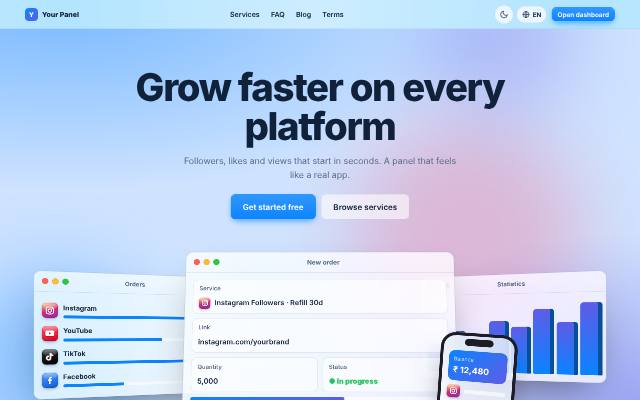
Pick a service, paste your link, enter the quantity and place the order. The price is taken from your balance.
Place a new order
- Make sure you have balance. If not, go to Add funds first.
- Tap a platform button (Instagram, YouTube, Telegram...) or type in Search to find a service quickly.
- Choose the Category, then the Service. Read the description below it: start time, speed, refill and drop details are written there.
- Paste the Link. Use the full link of the post, reel, video or profile as the service asks. The account must be public.
- Enter the Quantity between the Min and Max shown. The total charge is shown before you order.
- Some services ask for extra details: comments (one per line), usernames, hashtags, a media link or an answer number. Fill them exactly.
- Tap "Place order". You can follow it on the Orders page.
Extra options
- Drip-feed: delivers the order in parts. Runs = how many parts, Interval = minutes between parts. Total = quantity x runs.
- Free trial: if a service shows "Use my free trial", you can try it once for free.
- Do not place two orders for the same link and service at the same time. Wait for the first to finish, otherwise counts can mix up.
Good to know
- Wrong link, private account or deleted post can make the order fail. Failed orders are refunded to your balance automatically.
- Need help? Open Support and send the order ID.
Balance₹500.00
Total spent₹0.00
Orders10
Active now3
Recent orders
View all#10 YouTube Likes
#9 Instagram Reel Views
#8 Facebook Page Likes + Followers
#7 TikTok Followers · Refill 15 days
#6 Telegram Post Views · Last 10 post...
Tips
- Make sure the account or post is public.
- Don't order the same link twice until the first order completes.
- Partial or cancelled orders are refunded to your balance automatically.